


For decades, manual network configuration has been the norm, but it’s time for a change. Logging into each device one by one and relying on luck may be sufficient for small networks, but it poses a significant risk as networks become larger and more complex. Errors, non-standard configurations, and slow deployments are increasingly common. In a constantly changing environment where businesses must adapt quickly, manual procedures are no longer sufficient.
This is where Ansible comes in. Ansible is a simple and efficient automation tool that doesn’t require installing an agent on devices. It helps you move from conventional manual network operations to a modern, automated method. In this article, we’ll explore the limitations of manual techniques, the benefits of using Ansible for networks, and the gradual approach to adopting automation.
Why Manual Approaches Are a Problem?
Relying on manual networking practices creates some serious headaches and risks. Here’s why manual rollouts it’s not the best way to do things:
- Inconsistency: When different people are configuring devices, they’re bound to do things in their own way. This leads to a messy and inconsistent network over time.
- Slow Changes: Trying to roll out a simple change across dozens or even hundreds of devices can take days or weeks. This just isn’t practical for modern business.
- High Risk of Error: One tiny typo in a command can cause a huge outage. The potential for human error is just too high.
- Lack of Visibility: It’s tough to keep track of what’s been changed and where when there’s no central record. You’re essentially working in the dark.
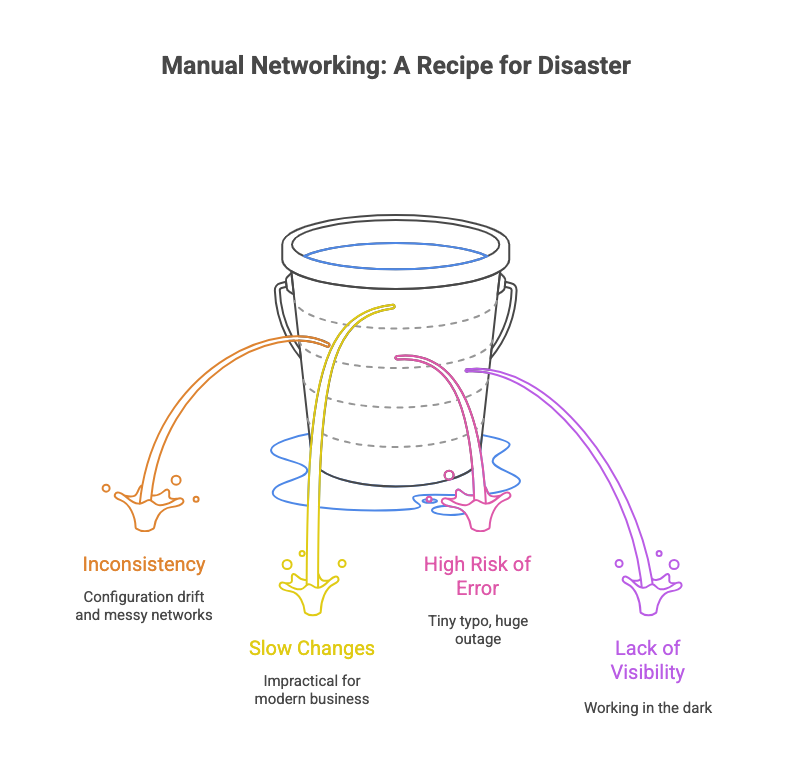 These issues don’t just slow down operations; they also put your entire business at risk.
Why Ansible is a great solution for network automation?
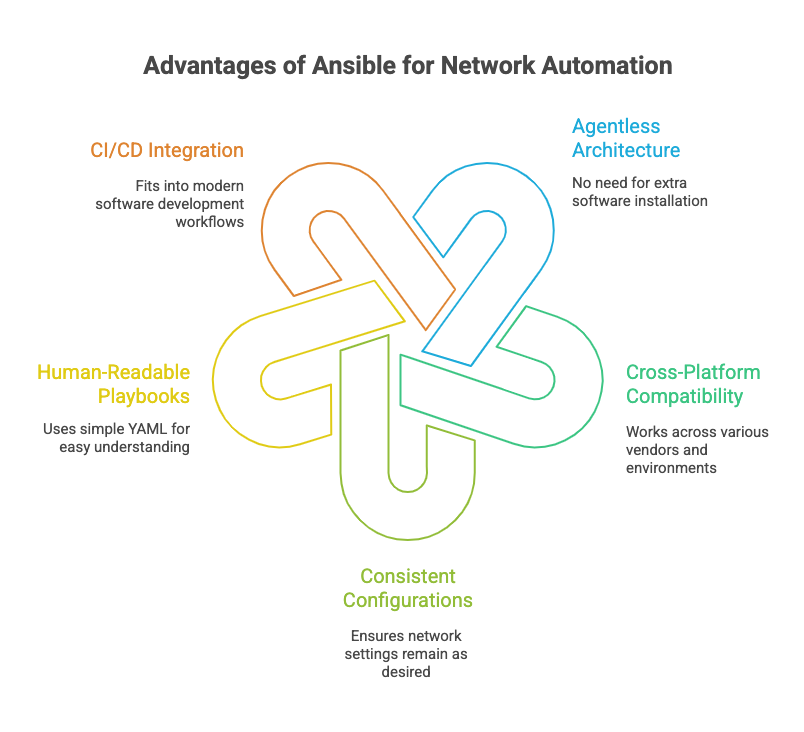
Ansible has emerged as a go-to solution for network automation, thanks to its simplicity and flexibility:
- No extra software to install: You don’t have to install any special software on your routers, switches, or firewalls because Ansible is “agentless.”
- Compatible with multiple platforms: It functions across various vendors, including Cisco, Arista, Juniper, Palo Alto, along with Linux systems and both private and public cloud environments.
- Consistent configurations: Ansible ensures that your network’s configuration always stays the way you want it. It prevents repetitive changes and keeps everything in its desired state.
- Easy to understand: Its “playbooks” are written in a simple, human-readable language (YAML), which makes automation accessible for both network and operations teams.
- Fits with modern workflows: Ansible integrates easily into CI/CD pipelines, allowing you to automate testing, deployment, and rollback processes—just like modern software development.
 A Successful Transition to Automation: Your Step-by-Step Guide
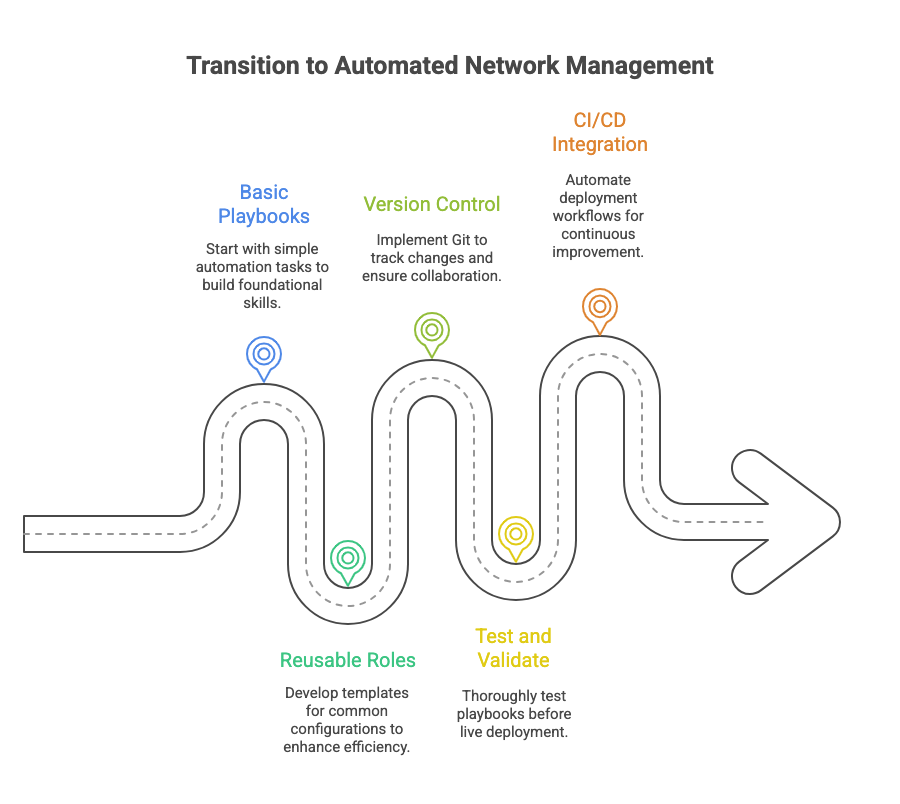
Looking to switch from manual to automated processes? Take a strategic, phased approach. Here’s a straightforward guide:
- Begin with Basic Playbooks: Instead of automating all tasks immediately, use straightforward playbooks for routine and low-risk activities, such as setting interface descriptions or implementing standard banners.
- Develop Reusable Roles: As your expertise grows, consider designing reusable roles that serve as templates for frequently used configurations such as VLANs or security policies. This approach enables modularity in network management and facilitates the consistent standardization of tasks throughout your infrastructure.
- Use Version Control: Save playbooks and roles in Git to track changes, review with your team, and quickly revert errors.
- Test and Validate Everything: Prior to implementing any changes on a live network, it is essential to thoroughly test your playbooks. Utilise “dry run” or “check mode” options to preview the intended modifications without applying them. For comprehensive assessment, consider employing network simulation tools or dedicated lab environments as your expertise develops.
- Integrate with CI/CD: For the final step, integrate Ansible into your CI/CD (Continuous Integration/Continuous Deployment) pipeline. This means you can automatically deploy configurations whenever a change is committed to Git, enabling automated testing and deployment workflows for your network.
 Navigating the Shift: Overcoming Challenges
Transitioning from manual CLI tasks to automation involves changes beyond just technology; it represents an organizational shift. It is helpful to recognize several common challenges that may arise during this process:
- Cultural Resistance: Teams often prefer familiar methods. Begin with small changes, demonstrate quick wins, and gradually build trust in the new process.
- Skill Gaps: Team members may not possess advanced expertise in automation. Offering targeted training in core areas such as YAML and Git will equip all individuals with the necessary competencies for success.
- Change Management: Avoid implementing automation in isolation—make sure it fits your current workflows and aligns with company approval and governance.
- Security: Protecting sensitive data is important. Tools such as Ansible Vault or various secret managers can be used to securely store credentials and prevent them from being exposed in code.
 Addressing these challenges in advance can facilitate a smoother transition to automation and help ensure the team’s long-term effectiveness.
Final Thoughts
Automation has become essential for scaling enterprise networks in a secure and reliable manner. Ansible offers an efficient solution for migrating from manual, error-prone procedures to automated, consistent, and scalable operations.
The process can begin with incremental steps, applying standardization, integrating with DevOps practices, and expanding gradually. Each phase can increase agility, reliability, and consistency in network operations.
At MZS Networks, we guide organizations in developing automation strategies, from small pilots to full-scale frameworks, for a seamless, secure shift to Ansible and Infrastructure-as-Code.
Disclaimer: This post is for educational purposes only and does not endorse any specific vendor, architecture or solution.
